
vMixとの間で動画を送受信する

vMixとPLAYDECKを接続する(双方向)最良の方法はNDIです。キーイングと同様に、マルチチャンネルオーディオも完全にサポートされています。.


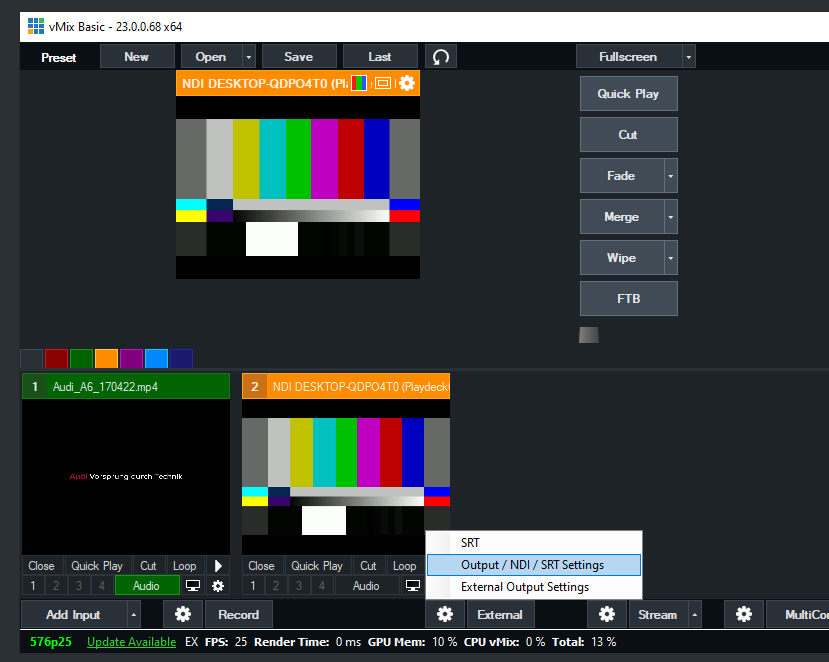
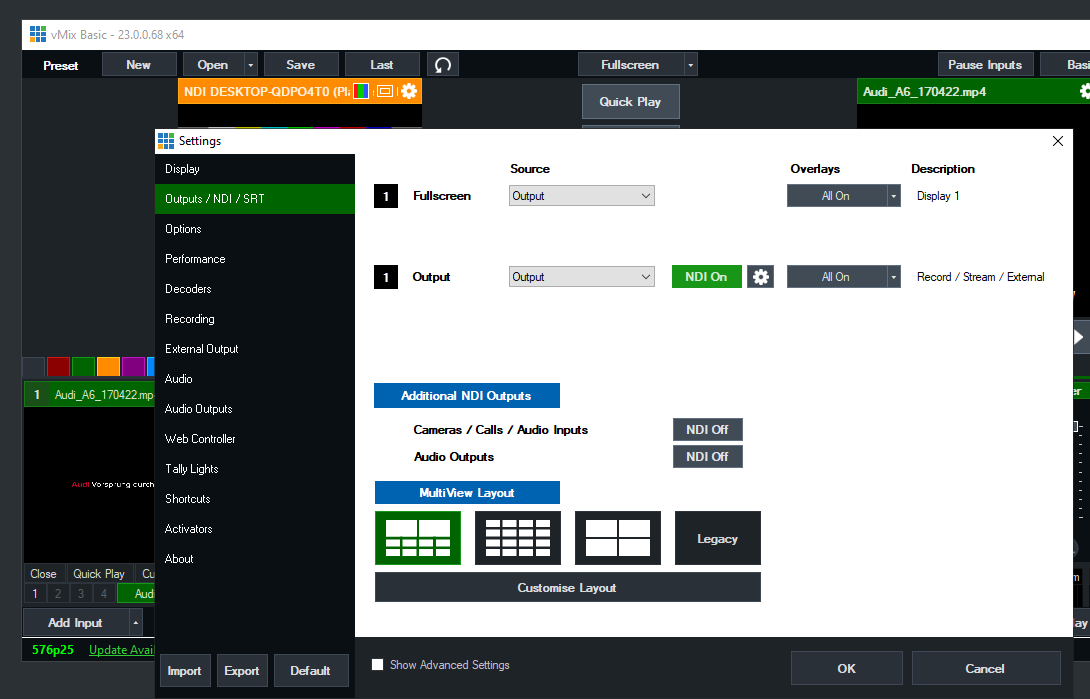
vMixからPLAYDECKへ動画を送信する

次のように、NDIを「外部出力」として有効にするだけで済みます:

PLAYDECK Professional Video Playback Playout Software for Windows * Send and Receive Video to and from vMix


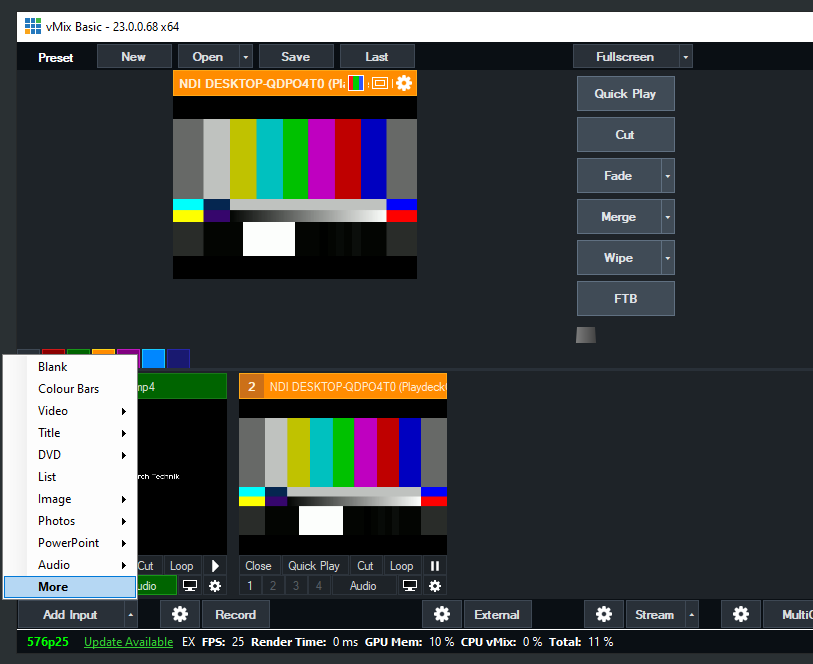
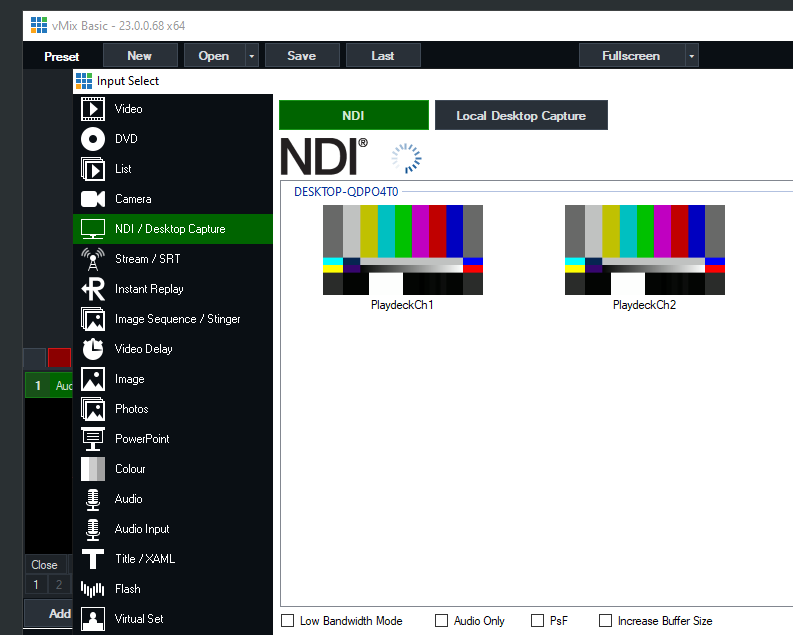
PLAYDECKからvMixへビデオを送信する

PLAYDECKでNDI出力を有効にし、vMixで次のようにNDIを新しいソースとして追加します:

PLAYDECK Professional Video Playback Playout Software for Windows * Send and Receive Video to and from vMix


PLAYDECKからvMixへ、アルファチャンネル付きのフィル信号を送信する

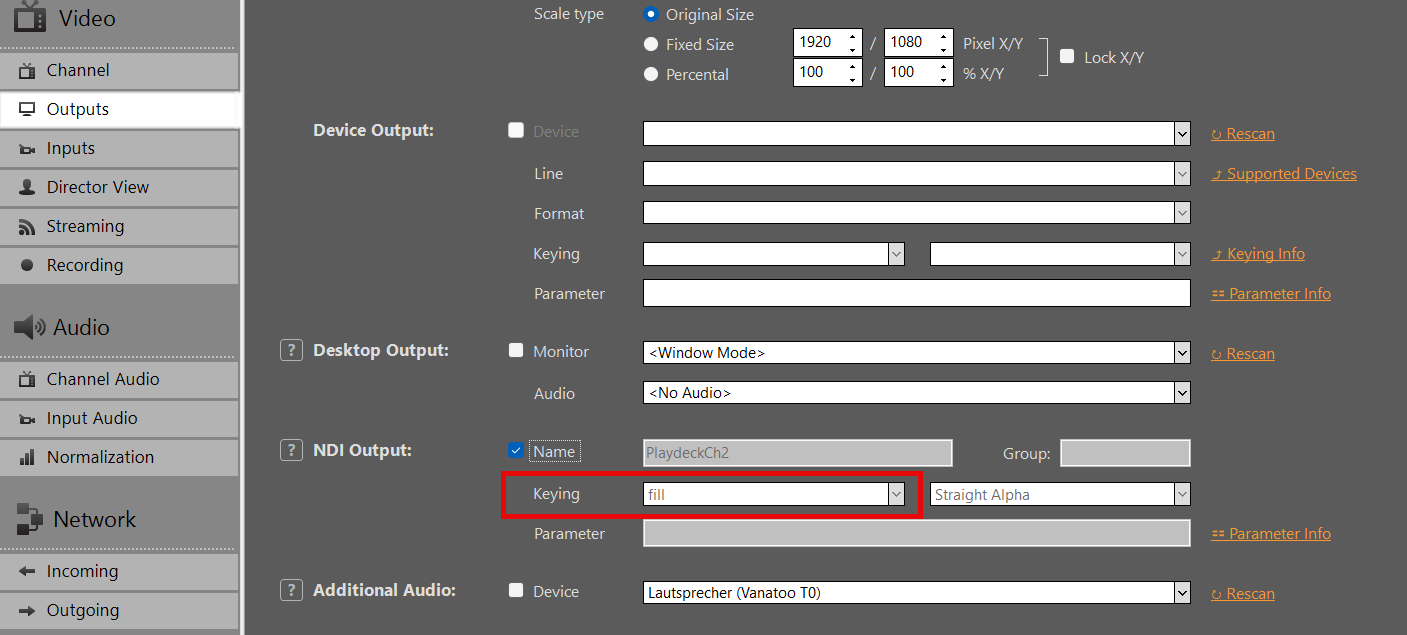
PLAYDECKでNDI出力を有効にし、今回はキーイングも有効にします:

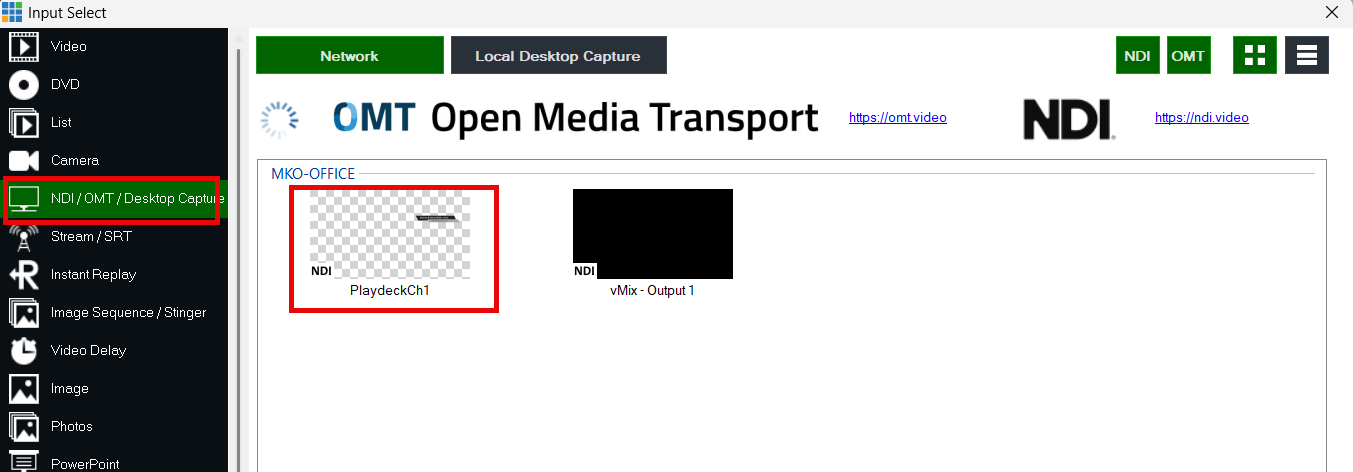
vMIXでNDIを入力として追加します:

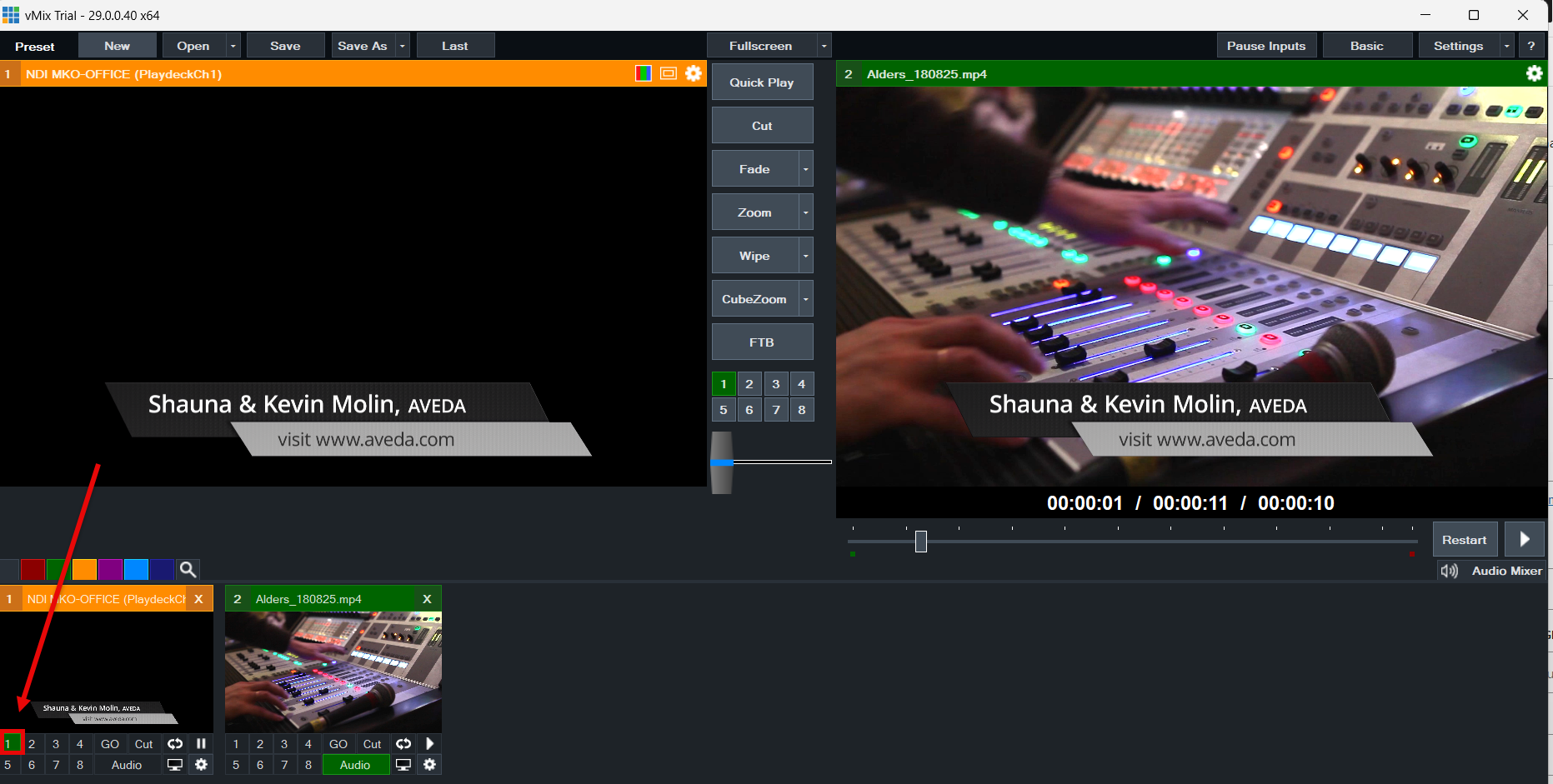
vMIXで、オーバーレイボタンを使用して、現在のビデオ信号の上にビデオを重ねて表示します: