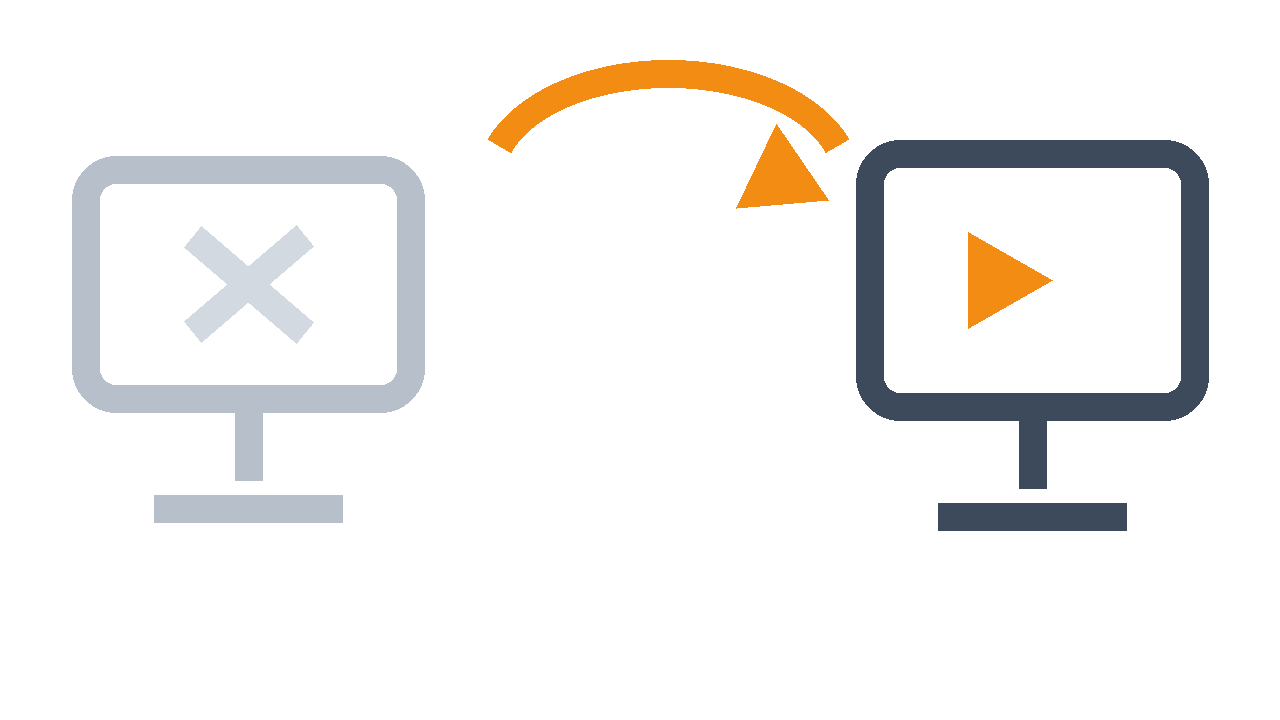

PLAYDECK Backup keeps your show running — even if your main PC fails.
A second PC follows your main playout — same playlist, same cue — and is ready to take over
One PC is one PC too few.
Everything runs through a single machine: your videos, your overlays, your whole show. If that PC freezes, crashes or loses power, the screen goes black — in front of a gala audience, on a live stream, in the middle of a broadcast.
A spare laptop in a flight case does not save you. It does not know your playlist. It is not on the right cue. By the time it is ready, the moment is gone.
PLAYDECK Backup closes that gap.
A second PC that already knows your show.
| 1 — Add a second PC | 2 — Connect it | 3 — Choose how it waits |
|---|---|---|
| Put PLAYDECK on any spare production machine. | Enter your main PC’s address and click Validate. Backup now has the full power of your main licence — Lite, Plus or Studio. | Quiet standby, or Hot Follow playing along live. Decided before the show, not during it. |
PREP: Set it up once. Forget it until you need it.
Before doors open, link the two machines and pick your safety mode:
- Standby (Cold) — The backup PC waits quietly with your show loaded and ready. Low load, nothing playing. If MAIN fails, Backup takes over.
- Hot Follow (Hot) — The backup PC plays along with MAIN, second by second: same clip, same position, same overlays. If MAIN fails, Backup is already exactly where the show is.
- Always in sync — Your playlist lives on MAIN. Backup receives every change automatically. No USB sticks, no copying shows by hand.
- Nothing to re-learn — Backup mirrors your MAIN edition — Lite, Plus or Studio. Same channels, same features, same show.
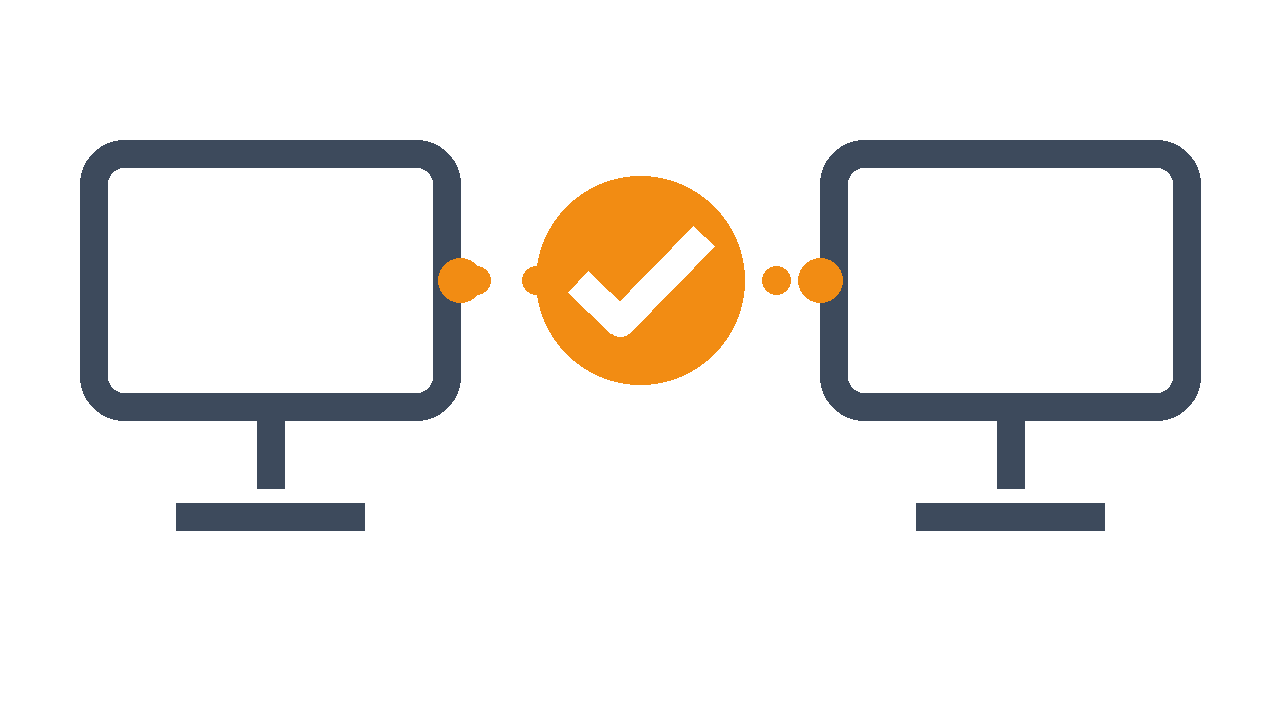
LIVE: If MAIN stops, the show doesn’t.
The worst second in live production is a dead screen and a silent room. With Backup, that second becomes a switch, not a disaster.
- Ready instantly — Backup was following your show. It knows the playlist, the cue and the overlays.
- The audience stays in the show — Backup takes over playback instead of starting from zero.
- You stay in control — When MAIN comes back, Backup does not jump back on its own and risk a black frame. You decide when to hand the show back.
- Built for real productions — Corporate events, live broadcasts, stadiums and fixed installations — anywhere one failed PC is one too many.
“We ran main and backup for weeks at a large international event in Sri Lanka and never had to switch to the backup. System stability makes it the perfect PC playback system.” — Barrie Williams, CEO pixelfantastic